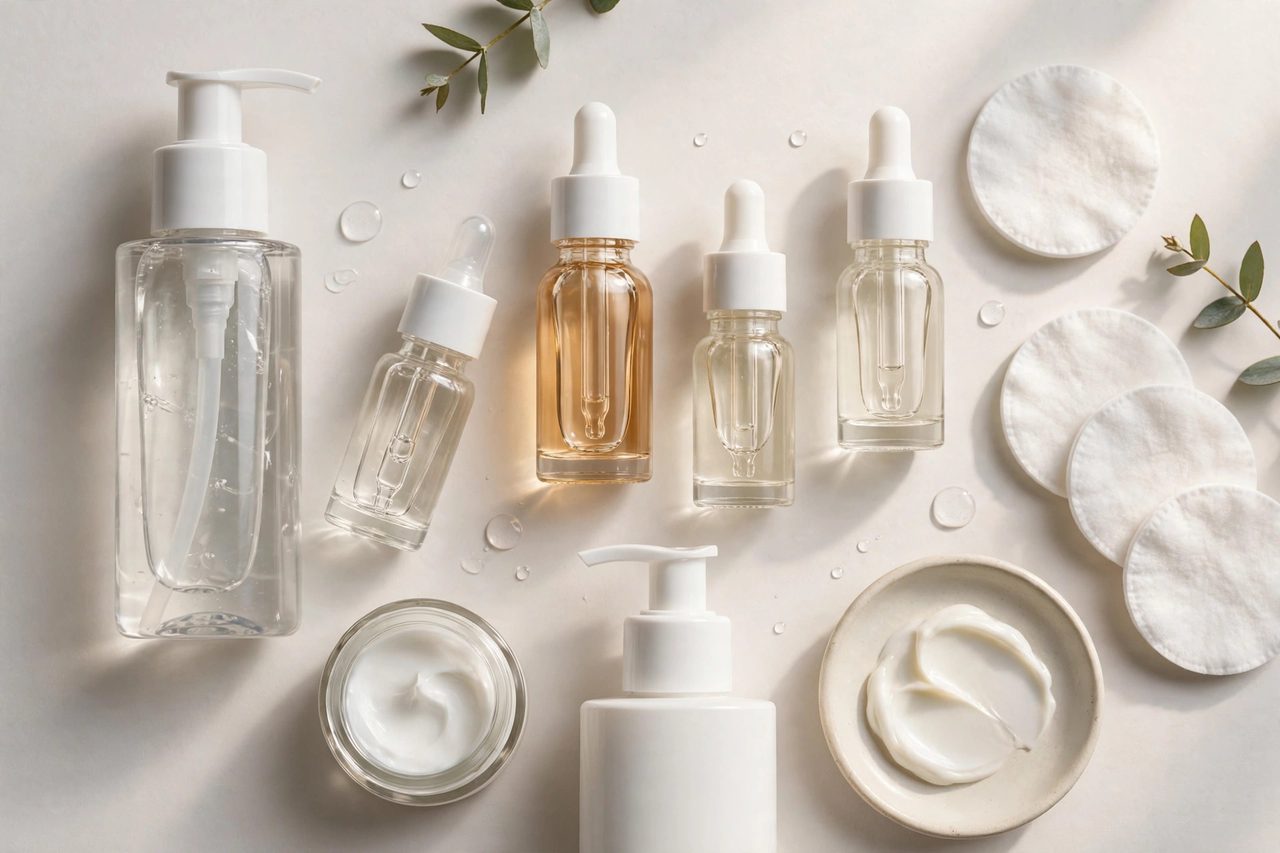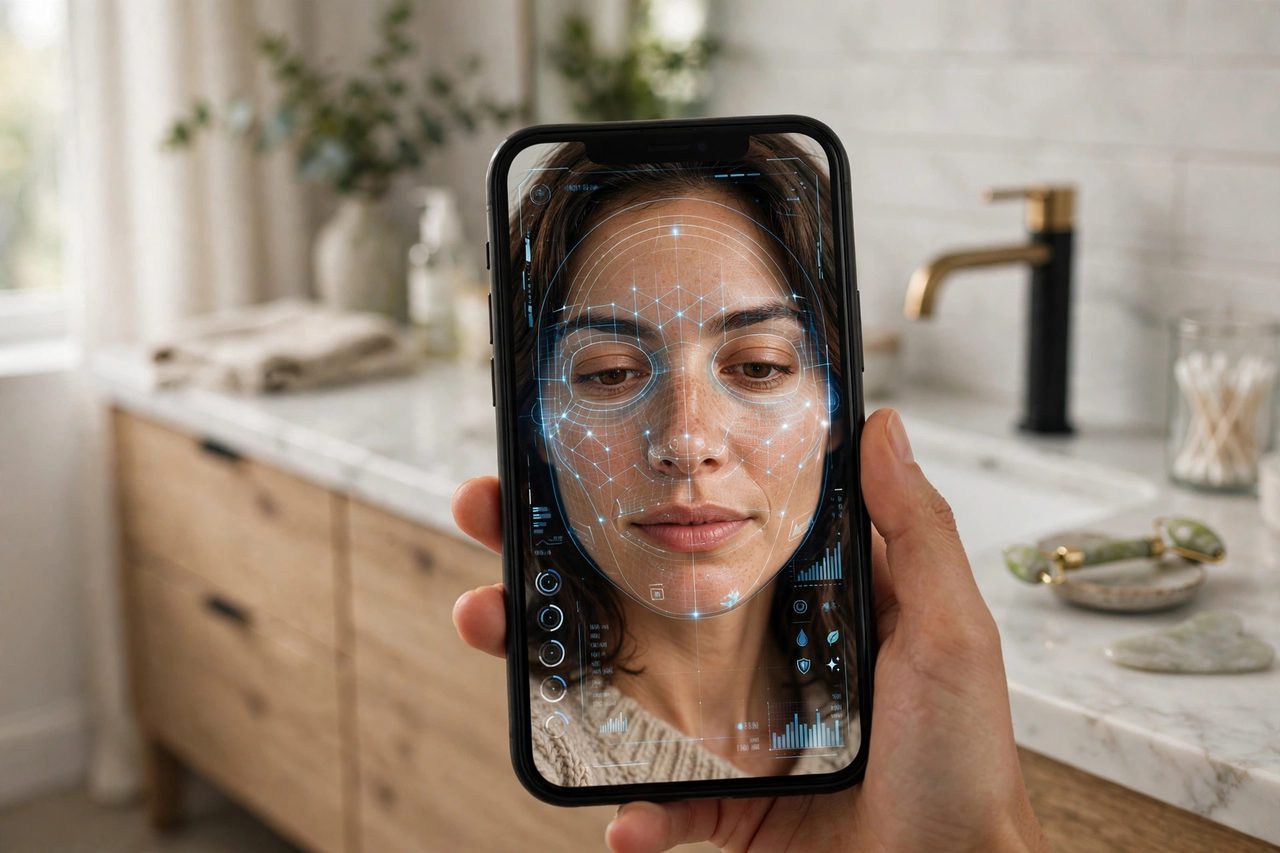
Point your phone camera at your face, and an AI tells you your skin type, spots wrinkles you can't see, and recommends a routine. That's the promise of AI skin analyzer apps — and in 2026, they're everywhere. But do they actually work, or is it just a fancy filter with extra steps?
Here's what these apps do, the 7 most talked-about options, and how to use them without getting played.
How AI skin analysis actually works
Most of these apps use the same basic pipeline: your phone camera captures your face under (ideally) even lighting, computer vision maps facial zones, and a trained model scores things like wrinkles, pores, dark spots, redness, and oiliness against thousands of reference images. Better apps ask follow-up questions about your routine, sensitivities, and goals before recommending products.
What they measure well: surface-level stuff — visible pores, uneven tone, fine lines, shine/oiliness.
What they struggle with: anything under the surface (dehydration vs. dryness, early rosacea, the cause of breakouts). An app can't feel texture or ask how your skin reacts the way a dermatologist can.
The 7 most popular AI skin analyzer apps
1. YouCam (Perfect Corp) — best overall experience
YouCam's AI skin diagnostic scans for 15+ skin concerns — pores, redness, texture, moisture — from a real-time selfie, backed by one of the largest beauty image datasets in the industry. The most polished consumer experience of the bunch.
2. L'Oréal Skin Genius — best for detailed skin reports
L'Oréal's Skin Genius (powered by ModiFace tech) assesses attributes like wrinkles, pores, and pigmentation, then builds a personalized routine. The zone-by-zone reports are among the most detailed you'll get from a free tool.
3. Olay Skin Advisor — best free option
Olay's Skin Advisor gives you a quick selfie-based analysis and a "skin age" estimate without asking for payment. The free scan is genuinely useful as a casual skin check.
4. Troveskin — best for tracking progress
Troveskin (App Store and Google Play) analyzes spots, pores, texture, and wrinkles, scores your skin out of 100, and — its best feature — has you take a daily selfie to chart progress over time. Great if you're testing whether a new routine actually works.
5. Anti-aging focused tools — best for wrinkle analysis
Several apps specialize in wrinkle-depth scoring and "skin age" estimates. Take the exact number with a grain of salt, but the before/after tracking can be motivating if fine lines are your main concern.
6. Privacy-first picks — best for the cautious
If pointing your camera at your face for a tech company makes you uneasy, look for apps with clear on-device processing policies and easy data deletion. Read the privacy policy before the scan, not after.
7. Skinive AI — best for mole and risk screening
Skinive is a CE-marked medical app focused on skin screening (including 3D mole mapping) rather than beauty. Different lane from the others — this one is about health checks, not glow scores.
What they get right
- Consistency. An app scores your skin the same way every time — humans (including you in the mirror) are far more variable day to day.
- Tracking. Photo-based progress tracking over weeks is genuinely useful for judging whether a product works.
- Accessibility. A free scan beats no analysis at all, especially where dermatologists are expensive or booked out.
Where they fall short
- Lighting lies. Bad lighting = bad analysis. A scan in yellow bathroom light vs. daylight can give wildly different scores.
- They can't diagnose. Redness could be rosacea, irritation, or just a warm room. Apps guess; dermatologists diagnose.
- Product bias. Many apps exist to sell you products. Treat recommendations as suggestions, not prescriptions.
- Skin diversity gaps. Models trained mostly on lighter skin tones perform worse on deeper tones — check reviews from people with skin like yours.
How to get an accurate scan
- Use natural daylight, facing a window — no overhead yellow lights.
- Remove makeup completely first.
- Hold the phone at arm's length, straight on.
- Scan at the same time of day for progress comparisons.
- Don't scan right after washing (skin looks temporarily different) — wait 30 minutes.
The verdict
AI skin analyzers are a useful starting point, not a final answer. Use them for tracking and general guidance, keep expectations realistic about the product recommendations, and see a dermatologist for anything persistent or worrying. The tech is impressive — just remember it's a camera and an algorithm, not a doctor.
How we choose
We research how each app works, what its analysis actually measures, and where independent reviewers and dermatologists say the limits are. No sponsored placements, no affiliate links — just the honest breakdown.